
Corporate project · Industrial manufacturer · Completed
Automatic Production of Voiced Software Training Videos from a Script
A pipeline that turns one script file into an AI-voiced, subtitled software training video. Every click lands on the word that mentions it. When the app changes, the video is simply regenerated.
- Video & Reels
- AI
- Automation
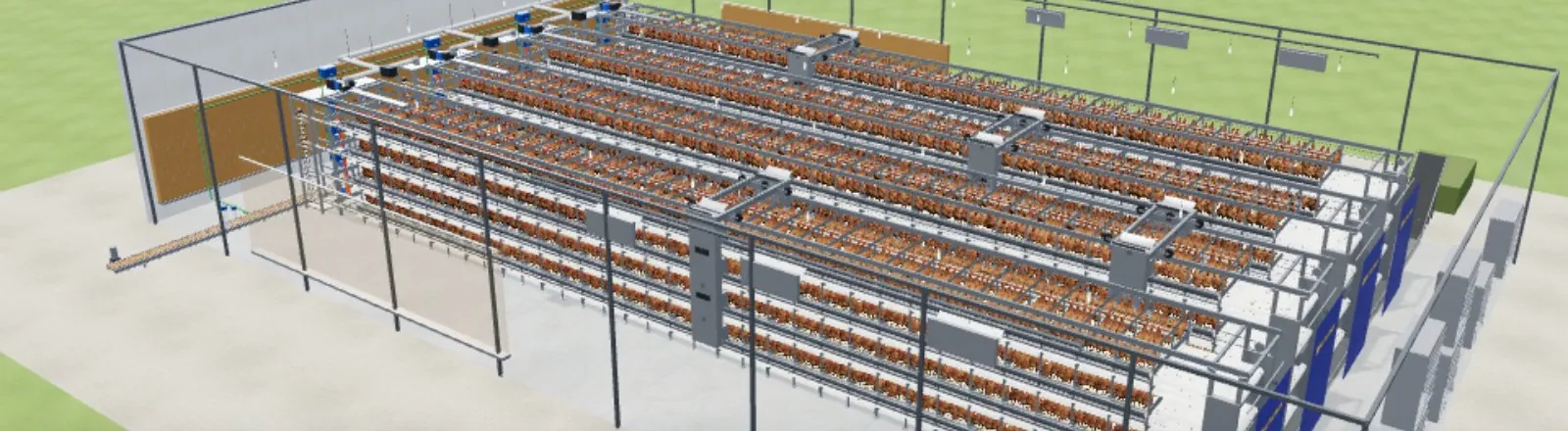
- 2:053D app training video
- 17script steps
- 9 chaptersaccompanying user manual
- 10 videos · ≈32 minmade for the CRM; 5 are module trainings (≈17 min)
- 1ScriptJSON: line + screen action
- 2VoiceAI voice-over
- 3CheckSpeech-to-text, fixes errors
- 4CaptureHeadless browser, 1600×900
- 5VideoFFmpeg + subtitles
Built for an industrial company. For confidentiality, the company name, logo, product/part codes and internal data are not shared; images are cropped accordingly. The videos themselves show the logo and model names, so only a cropped frame is shown.
The need
The sales team needed a training video that required no film crew and could be refreshed easily whenever the app changed.
The solution
- The script is JSON: each step has the spoken line and the on-screen action.
- AI voice-over with a character-quota guard and a cache keyed by text.
- The audio is transcribed back to text to catch and fix mispronounced words.
- 1600×900 headless-browser screen capture with cursor, highlight ring and word-synced clicks.
- A silent take first, the voiced take after approval; FFmpeg merge, loudness normalisation and a separate subtitle file.
- The method was first built for the CRM, producing training videos and short preview cuts for the CRM, customer, project, task and spare-parts modules. It was then applied to the 3D app.
Delivered
- Training video and subtitles
- User manual
- Regeneration scripts
Technologies
- Python
- Node.js
- Chrome DevTools Protocol
- ElevenLabs (voice + speech-to-text)
- FFmpeg
Related services
Video, Reels & AnimationTraining & ConsultingWorkflow Automation